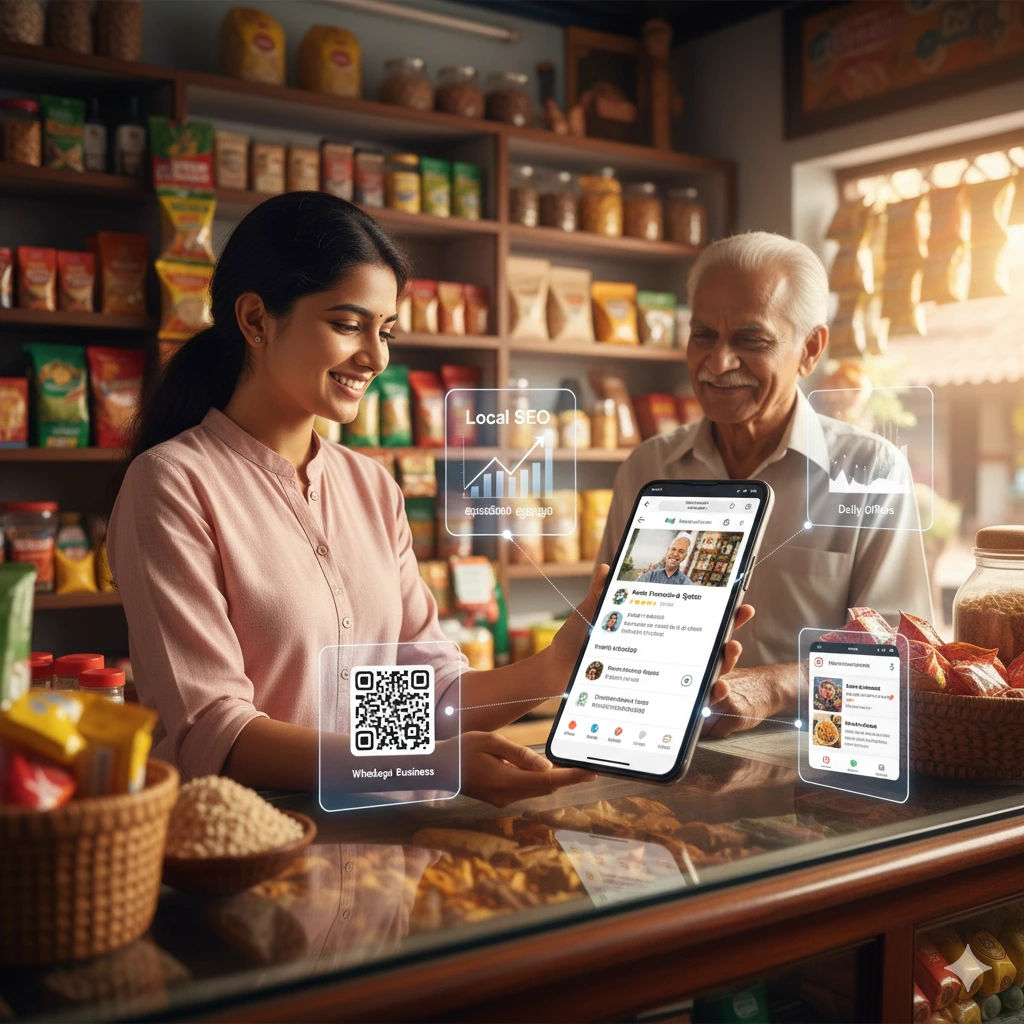

In Kerala today, customers don’t just walk into shops — they message first.
They ask:
- “Is this item available?”
- “What’s the price?”
- “Can you send photos?”
- “Are you open now?”
If you are not using WhatsApp Business properly, you are losing easy enquiries.
Learning how to use WhatsApp Business for small business is no longer optional for local shops in Kerala — it’s a direct sales tool.
This guide explains exactly how small shop owners can set it up, use it smartly, and turn enquiries into customers.
Why WhatsApp Business Works Extremely Well in Kerala
Kerala has:
- High smartphone usage
- Strong WhatsApp culture
- Fast response expectations
- Local trust-based buying behaviour
People prefer messaging over calling.
For small shops, WhatsApp Business becomes:
- A mini customer support desk
- A product catalogue
- A follow-up system
- A repeat sales engine
Step 1: Download and Set Up WhatsApp Business
Download WhatsApp Business from Play Store or App Store (not regular WhatsApp).
Set up properly:
- Use your shop name as business name
- Add correct address (important for local search)
- Add shop timings
- Add category (e.g., Grocery Store, Boutique, Mobile Shop)
- Upload clear logo or shop photo
This builds immediate trust.
Step 2: Create a Professional Business Profile
When customers check your profile, they should see:
- Clear shop description
- Services offered
- Location
- Contact details
Example description:
Family-run bakery in Kannur offering fresh cakes, snacks, and custom orders. Open daily 8 AM–9 PM.
Keep it simple. Clear beats clever.
Step 3: Use Catalogue Feature (Very Powerful)
Most small shops ignore this feature.
Add:
- Product photos
- Price
- Short description
For example:
- Cotton saree – ₹1,250
- Birthday cake 1kg – ₹850
- School bag – ₹650
Customers can browse without asking basic questions.
This reduces repetitive replies and increases serious enquiries.
Step 4: Set Automated Messages
WhatsApp Business allows:
Greeting Message
Automatically sent when someone messages for the first time.
Example:
Thank you for contacting [Shop Name]. How can we help you today?
Away Message
For after working hours.
Quick Replies
Save common answers like:
- Store timings
- Location
- Payment methods
- Product availability
This saves time and looks professional.
Step 5: Use Broadcast (But Don’t Spam)
Broadcast is useful for:
- Festival offers
- Clearance sales
- New arrivals
- Discount announcements
But:
- Send only to interested customers
- Do not send daily spam
- Keep messages short
Smart messaging builds loyalty. Overuse destroys trust.
Step 6: Connect WhatsApp with Google Business Profile
When customers find you on Google Maps, they should see:
- Call option
- Directions
- Website
- WhatsApp chat
Linking WhatsApp increases conversion rate significantly.
If you are working on local visibility, read our guide on Local SEO for small shops in Kerala. (Internal link)
Common Mistakes Small Shops Make
- Using personal WhatsApp instead of Business
- Not updating profile information
- Slow reply time
- No product catalogue
- Sending spam offers
If you want to understand how digital visibility works along with WhatsApp, read our detailed guide on Digital Marketing for Small Shops in Kerala. (Internal link)
How WhatsApp Business Generates More Sales
Here’s how it practically works:
- Customer searches on Google
- Finds your shop
- Clicks WhatsApp
- Asks question
- You respond quickly
- Customer visits shop
Fast response = higher conversion.
In Kerala’s competitive local market, speed matters.
Final Thoughts
Learning how to use WhatsApp Business for small business is one of the simplest ways to increase enquiries without spending money on ads.
You don’t need a website to start.
You don’t need paid ads immediately.
You need visibility + quick response.
If you are a small shop owner in Kerala and want structured help setting up WhatsApp Business along with Google visibility, feel free to contact us.
Simple setup. Real results.
Explore More Practical SEO & Digital Growth Guides
If you’re looking for more actionable strategies, especially for regional and service-based businesses, you may find this guide helpful:
This in-depth guide explains how local retailers can combine SEO, Google Ads, and conversion-focused strategies to compete effectively in today’s digital landscape.